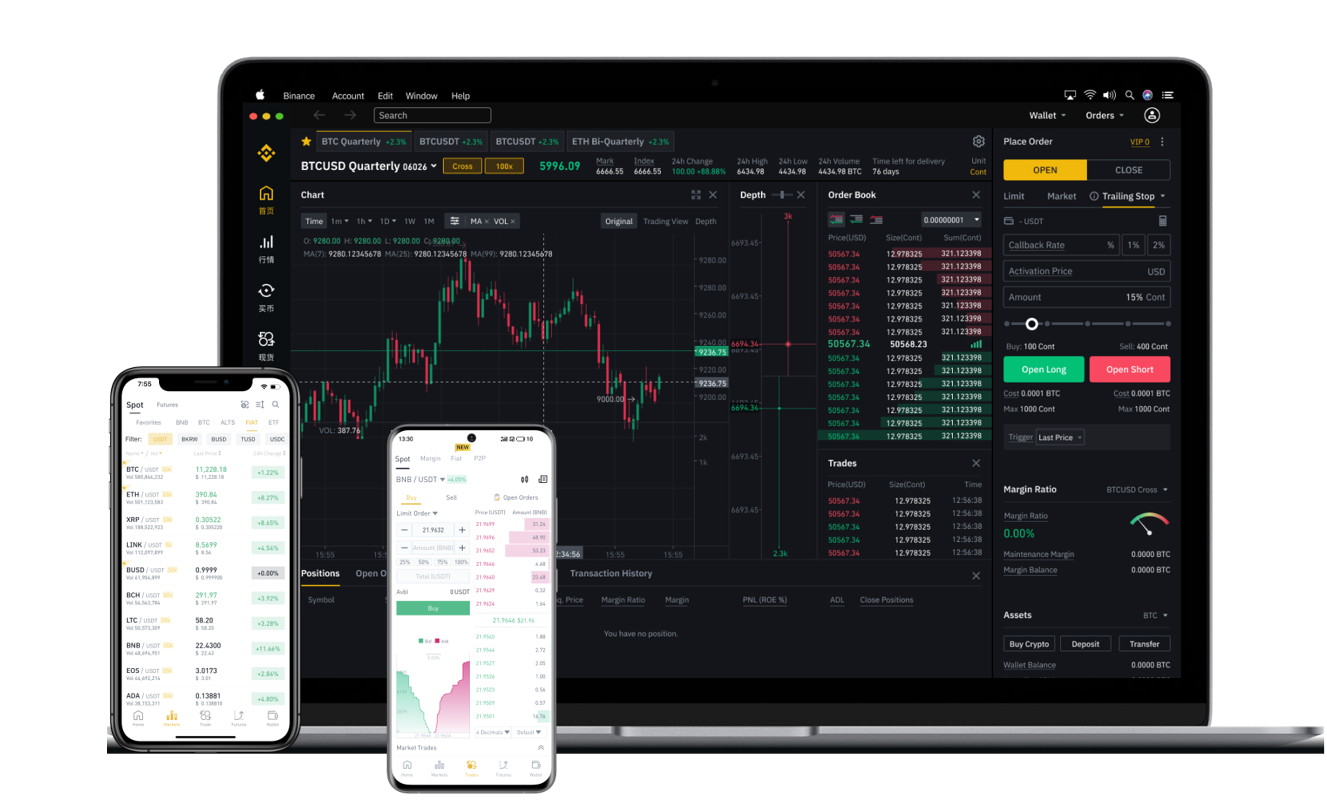


Ethereum (ETH) is one of the most popular cryptocurrencies traded on Binance, the world’s largest cryptocurrency exchange by trading volume. Whether you have just completed a successful trade or need to move your ETH to a personal wallet for safekeeping, understanding the withdrawal process is essential. This guide explains how to withdraw Ethereum from Binance in a clear, secure, and efficient manner.
First, log in to your Binance account and ensure you have completed any necessary security verifications, such as two-factor authentication (2FA). Once your account is secure, navigate to the “Wallet” menu and select “Overview.” From there, click the “Withdraw” button. You will see a list of supported cryptocurrencies. Scroll down or search for “Ethereum” – note that Binance may display it as “ETH” or “Ethereum (ERC20).”
Next, you need to enter the receiving address. This is the Ethereum wallet address where you want your funds to be sent. You can copy this address from your personal wallet, such as MetaMask, Ledger, or any exchange wallet that supports ERC20 tokens. Be extremely cautious: even one incorrect character in the address can result in permanent loss of your funds. Binance also supports scanning a QR code, which is often more accurate than manual entry.
After entering the address, specify the amount of Ethereum you wish to withdraw. Binance will show you any applicable withdrawal fees. Ethereum withdrawal fees on Binance are typically paid in ETH and vary depending on network congestion. The network fee (gas fee) is deducted from your withdrawal amount, so the final amount you receive will be slightly less than the amount requested. For example, if you withdraw 1 ETH and the fee is 0.005 ETH, you will receive 0.995 ETH in your external wallet.
Before confirming, double-check the withdrawal address and the network type. Ethereum withdrawals from Binance use the Ethereum network (ERC20) by default. Do not select Binance Smart Chain (BEP20) or any other network unless your receiving wallet explicitly supports that network and you are certain of the compatibility. Sending ETH via the wrong network can lead to irreversible loss of funds.
Once you have reviewed all details, click the “Submit” button. Binance will require you to confirm the withdrawal via your linked email and 2FA (such as Google Authenticator or SMS). This multi-step confirmation ensures that even if someone gains access to your login details, they cannot withdraw funds without your additional approval.
After confirmation, Binance will process your withdrawal request. For Ethereum, the processing time is usually fast, but it depends on the current network load. During periods of high congestion, the transaction might take longer. You can track the status of your withdrawal under the “Transaction History” section in your wallet. Once the network confirms the transaction, the ETH will appear in your external wallet.
For added security, consider starting with a small test withdrawal before moving larger amounts. This helps ensure that you have entered the correct address and that your receiving wallet is functioning properly. Additionally, always keep your withdrawal receipts or transaction IDs (TXID) for future reference.
Finally, remember that once a cryptocurrency transaction is confirmed on the blockchain, it cannot be reversed. Always prioritize security and accuracy over speed. By following these steps, you can confidently withdraw Ethereum from Binance to any supported wallet or platform.