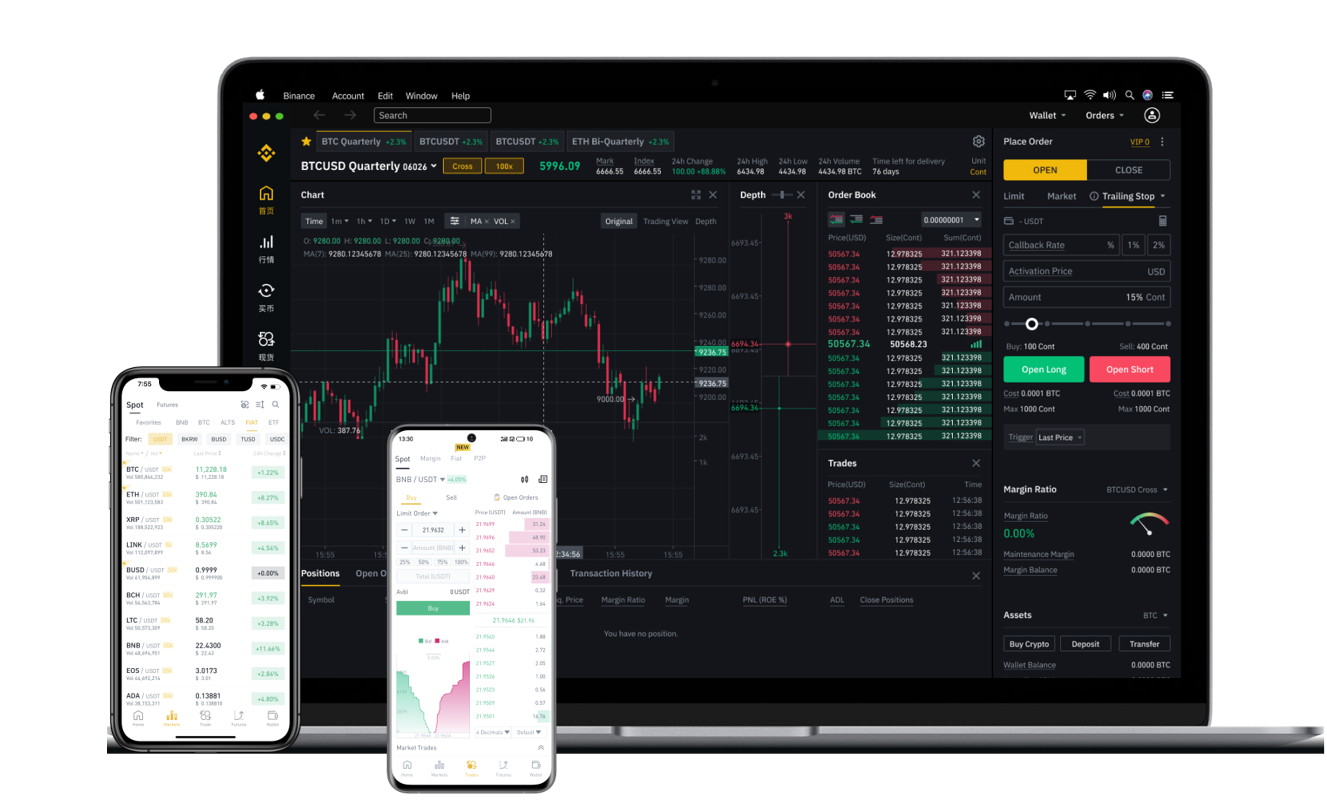

If you have been using Binance DEX (the decentralized exchange), you may have accumulated tokens that you now want to move to the main Binance Exchange for easier trading, higher liquidity, or faster fiat withdrawals. While the process is straightforward, it requires a clear understanding of the wallet architecture and network requirements. This guide explains how to withdraw funds from Binance DEX to the Binance exchange, covering key steps, common pitfalls, and security tips.
Understanding the Difference Between Binance DEX and Binance Exchange
Before initiating any transfer, it is important to know that Binance DEX operates on the Binance Chain (BEP-2), while the main Binance Exchange primarily supports deposits via Binance Chain (BEP-2), Binance Smart Chain (BEP-20), and other networks. When you hold assets on Binance DEX, they are in your self-custodial wallet (like Trust Wallet or the Binance Chain Wallet). To move them to the centralized exchange, you need to send them to your Binance Exchange deposit address for the same asset and network.
Step 1: Obtain Your Binance Exchange Deposit Address
First, log in to your Binance Exchange account. Go to "Wallet" and select "Deposit." Find the token you wish to transfer (for example, BNB or any BEP-2 token). Make sure you select the correct network. For tokens from Binance DEX, the correct network is usually "BEP-2" or "BNB Beacon Chain." Copy the deposit address provided by Binance. Double-check the address and the network, as sending tokens on the wrong network can result in permanent loss of funds.
Step 2: Access Your Binance DEX Wallet
Open the wallet interface where you manage your Binance DEX assets. This could be the Binance Chain Wallet browser extension, Trust Wallet, or another wallet that supports BEP-2. Make sure the wallet is connected to the Binance Chain network. You will see your token balances under the "Assets" or "Wallet" section. Choose the token you want to withdraw.
Step 3: Initiate the Withdrawal from DEX
Click the "Send" or "Withdraw" button for the selected token. Paste the Binance Exchange deposit address you copied in Step 1 into the recipient address field. Enter the amount you want to transfer. Consider the network fee, which is usually paid in BNB. If you do not have enough BNB in your wallet to cover the fee, the transaction will fail. You must have a small amount of BNB (generally 0.0005 to 0.005 BNB) to pay for the gas fee on Binance Chain.
Step 4: Confirm and Verify the Transaction
Before finalizing, carefully review the address and the amount. Many wallets use memo tags or destination tags for certain tokens, but for Binance DEX to Binance Exchange transfers using BEP-2, a memo is usually not required unless the exchange specifically asks for it. If you are transferring tokens that require a memo (like XRP or BNB in some cases), make sure you enter the correct memo from Binance Exchange. Mistakes here can cause the deposit to not be credited. Once everything is correct, approve the transaction on your wallet. The transaction will be submitted to the Binance Chain network.
Step 5: Wait for Confirmation and Check Balance
Binance Chain processes transactions relatively quickly. You can track the status using a block explorer like BscScan (for BEP-2) or Binance Chain Explorer. Typically, the deposit will arrive within a few minutes. Once the transaction is confirmed and credited to your Binance Exchange account, you will see the balance under your wallet. From there, you can trade, swap, or withdraw to your bank account if you have completed the necessary verification.
Important Tips and Troubleshooting
- Always do a small test transfer (e.g., 1 USDT or a tiny amount of BNB) before moving larger sums. This ensures you have used the correct address and network.
- If your deposit does not appear after 30 minutes, check the transaction ID on the block explorer. If the status shows "Success" but the funds are not in your Binance Exchange account, double-check that you selected the correct network and memo. If you selected the wrong network, Binance may be able to recover the funds, but this process can take time and may involve fees.
- Be aware that Binance DEX is a decentralized platform. There is no customer support to reverse a transaction once it is broadcast. You are fully responsible for the accuracy of the recipient address and network.
- If you are moving tokens from Binance DEX to Binance Exchange for the purpose of selling them for fiat currency, remember that Binance Exchange requires KYC verification for fiat withdrawals. Ensure your account is fully verified before attempting to withdraw to your bank.
By following these steps carefully, you can successfully transfer your assets from Binance DEX to the centralized Binance Exchange, giving you access to more trading pairs, liquidity options, and withdrawal channels. Always prioritize security and accuracy over speed when handling cryptocurrency transactions.